
TinkerPie with Robotics & AI
Program the TinkerPie V1 board with blocks, JavaScript or Arduino C++. Teach it to see with your laptop webcam, drive motors and servos, and test everything on a live 3D simulator before you send it to the board.
You need a free TinkerPie account to make and save projects. Log in or create an account.
What you can make
Show 3 fingers and the board shows 3. Hand signs, smiles, faces and colours become events in your program.
AI camera guide → Object recognitionThe webcam names 24 everyday objects such as a cup, a bottle or a book, and your program reacts.
Guide → Face IDTeach TinkerPie your face and build a face-ID door lock with a servo.
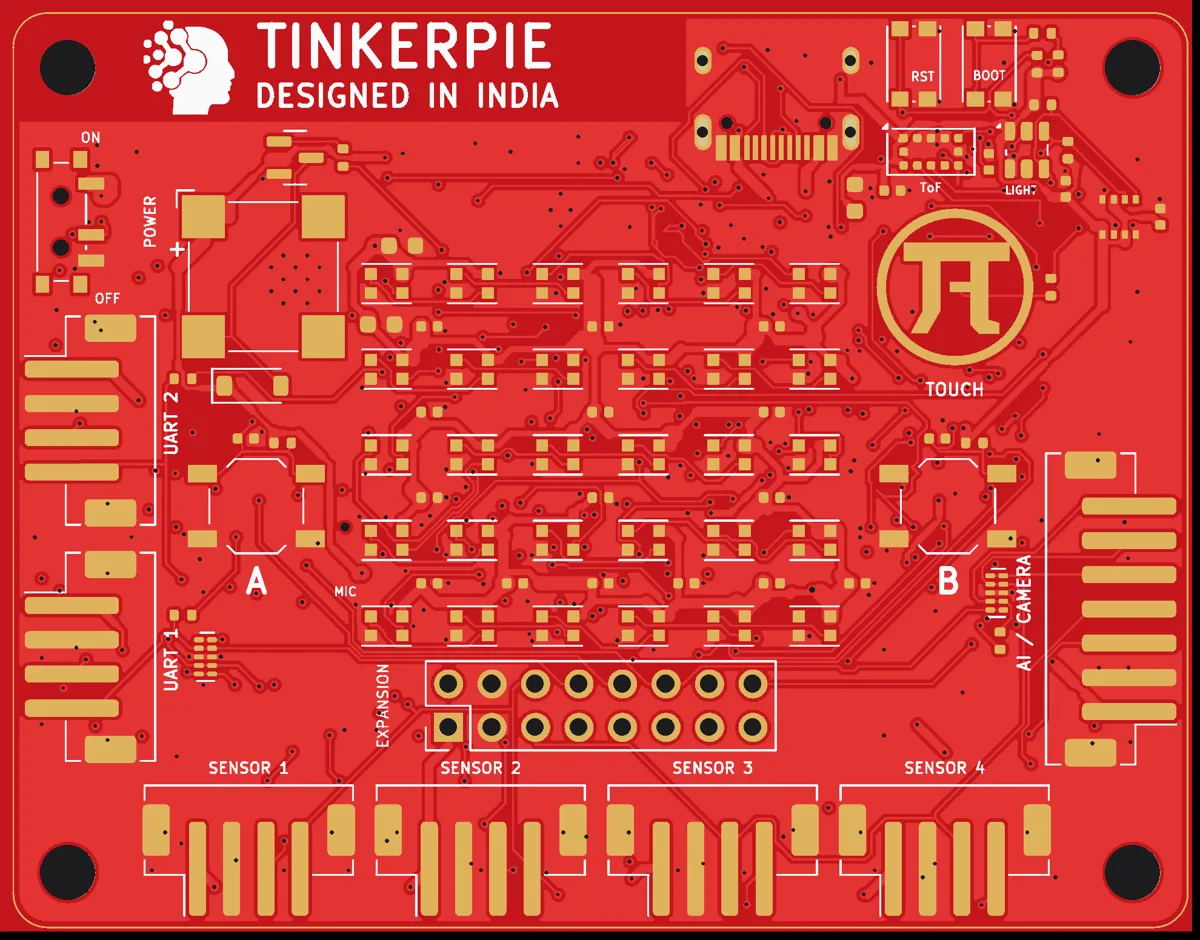
Guide → Robots on the moveTwo motor drivers with encoders, four servo ports, a distance sensor and a compass for line followers and obstacle avoiders.
Projects → TinkerPie BricksPlug-in sensor and output Bricks with a guide and a ready project each.
Bricks → Arduino C++See your blocks as real C++, or write C++ for TinkerPie V1, Arduino and ESP32 in Hardware Programming.
Hardware Programming →How it works
- Build with blocks, JavaScript or Arduino C++. Start from one of 68 ready projects or a tutorial.
- Simulate: press Run. Click the buttons, tilt the 3D board with your mouse, show fingers to the webcam.
- Send to the board: connect TinkerPie V1 with a USB-C cable and press Download (Chrome or Edge on a computer).
Your camera and your privacy
The webcam pictures stay on your computer. The AI (finger counting, hand signs, faces, colours, objects) runs inside your browser. No picture or video from the webcam is sent to TinkerPie or saved by us.
To work, the browser downloads the AI models once from Google's MediaPipe servers and jsDelivr (public file servers). This download does not contain any of your pictures. The camera turns on only after you allow it in your browser, when you use an AI block or AI project. Read the privacy policy.
Other TinkerPie Studio tools
Block Coding · 3D Design · Circuit Design · Hardware Programming · All tools