
Passive Buzzer Brick
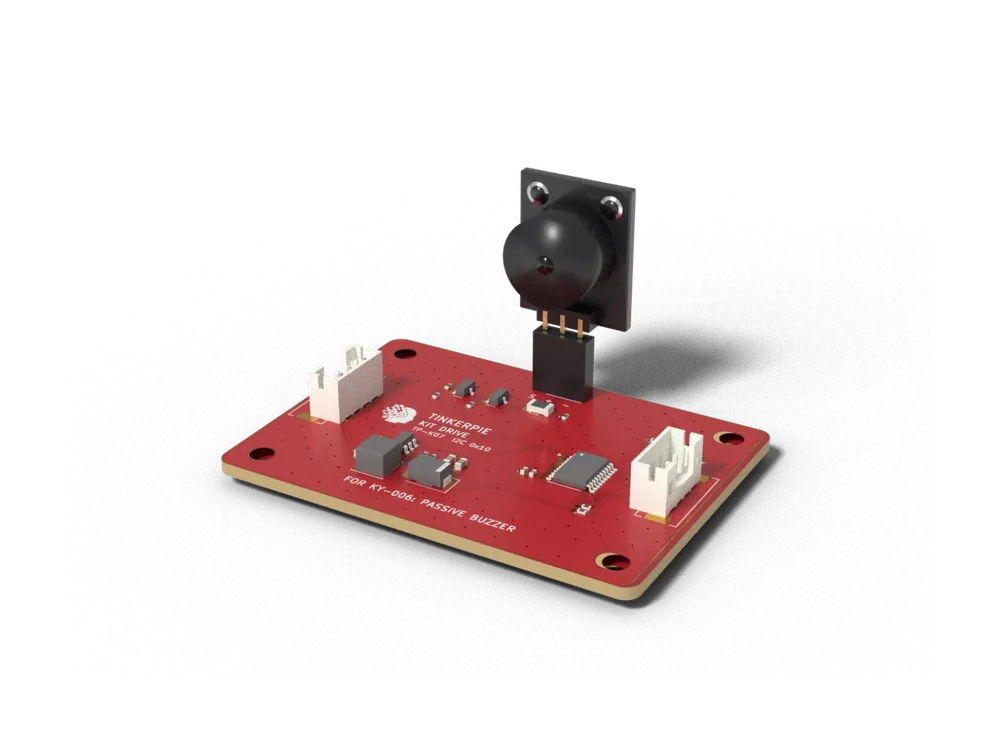
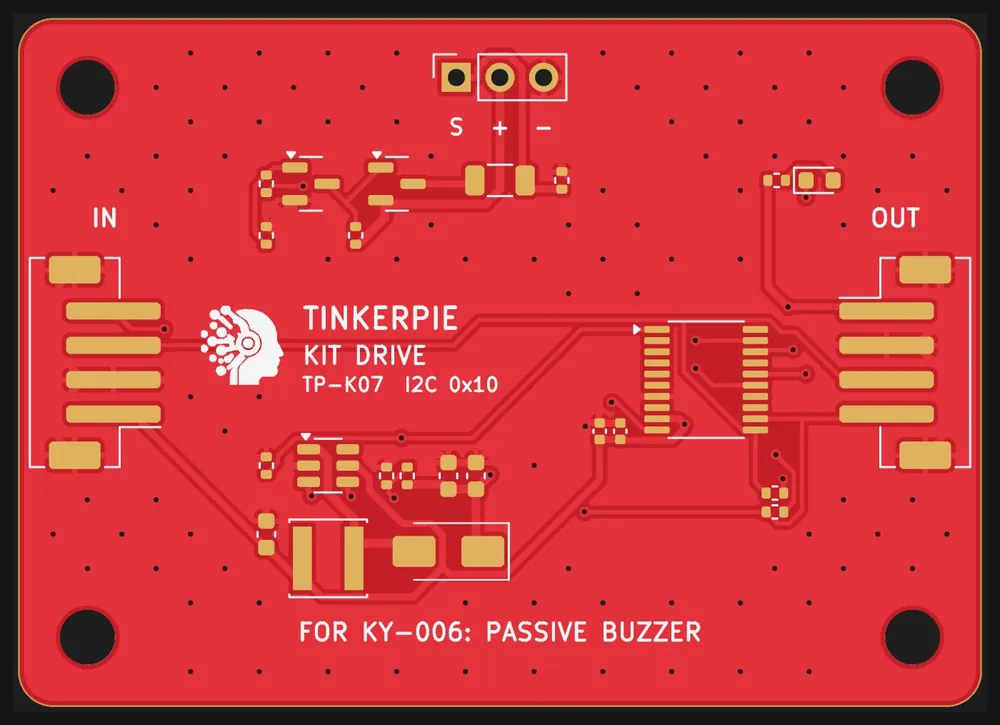
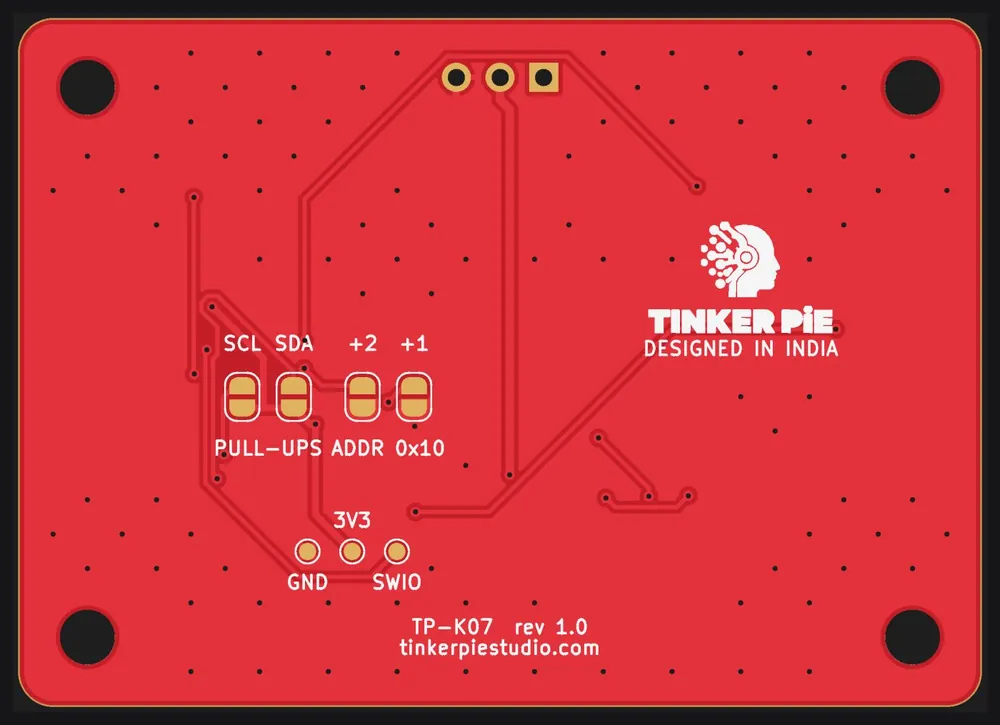
Pictured with the KY-006 kit module plugged in.
Kit Bricks · SKU TP-K07
Play melodies: any frequency, any duration.
₹299
Works with TinkerPie V1 · Arduino C++ with the TinkerPieBricks library · Delivery across India: ₹100, 3–7 days · 7-day replacement for damaged or defective kits
About this kit
Play melodies: any frequency, any duration. The Passive Buzzer Brick is a carrier for the KY-006 module from common 37-in-1 sensor kits: plug the module into the socket and connect one cable to a TinkerPie SENSOR port. A small CH32V003 processor on the brick does the timing work, so your program simply reads the result over I2C.
Features
- Tone 20 Hz – 20 kHz with a timer in the brick
- Duration in ms, plays in the background
- 5 V drive, loud and clear
- Plug the kit module straight into the socket – no jumper wires
- One cable to any TinkerPie SENSOR port (I2C), BUS IN + BUS OUT to chain more bricks
- On-board CH32V003 does the timing – your code just reads the result
Specifications
| Kit module | KY-006 Passive Buzzer (module 7 of the 37-in-1 sensor kit) |
|---|---|
| Socket | KIT DRIVE: 2.54 mm female, S + - |
| Size | 56 x 40 mm, M3 holes on the 8 mm grid |
| Connectors | 2 x JST-PH 4-pin TP-BUS (IN / OUT) |
| Interface | I2C 0x10-0x13 (4 on one bus) |
| Power | 3.3 V port -> 5.1 V boost for the module, S driven by MOSFET (100 mA) |
| Brain | WCH CH32V003 |
| Arduino class | tpb::KitDrive |
How to use it with TinkerPie
- Plug the KY-006 module into the 2.54 mm socket on the top edge. Match the pin names: the brick says S + -, the module has the same letters.
- Connect BUS IN to any TinkerPie SENSOR 1-4 port with a 4-pin JST-PH cable (the same cable as the other sensors).
- More bricks? Plug the next one into BUS OUT. Two bricks of the same type need different addresses: bridge ADDR +1, +2 or +4 on the back (0x10-0x13; the first is 0x10).
- Install the TinkerPie and TinkerPieBricks Arduino libraries, open the quick-start sketch below, choose the board ESP32S3 Dev Module and upload.
Libraries: TinkerPie and TinkerPieBricks (Arduino IDE: Sketch → Include Library → Add .ZIP Library). Full guide: getting started with TinkerPie Bricks.
Quick start
Upload this, open the Serial Monitor at 115200 baud and watch the TinkerPie matrix.
Quick-start sketch (Arduino C++)
// Passive Buzzer Brick (TP-K07): quick start
// Reads the brick and shows the value on the TinkerPie matrix and in the Serial Monitor (115200 baud).
#include <TinkerPie.h>
#include <TinkerPieBricks.h>
using namespace tinkerpie;

tpb::KitDrive bz;

void setup() {
  Serial.begin(115200);
  tinkerpie::begin();            // also starts the SENSOR ports (I2C bus Wire1)
  if (!bz.begin(tpb::KitDrive::TONE)) Serial.println("Passive Buzzer Brick not found at 0x10: check the cable to SENSOR 1-4");
}

void loop() {
  bz.tone(440, 250);                 // A4 for 250 ms, plays in the background
  basic::pause(500);
  bz.tone(660, 250);
  basic::pause(500);
}
Project: Happy birthday tune
The passive buzzer plays a melody in the background while the matrix shows a rainbow. Press A to play it again.
Happy birthday tune (Arduino C++)
// Happy birthday tune: Passive Buzzer Brick (TP-K07)
// The passive buzzer plays a melody in the background while the matrix shows a rainbow. Press A to play it again.
#include <TinkerPie.h>
#include <TinkerPieBricks.h>
using namespace tinkerpie;

tpb::KitDrive bz;
const int NOTES[] = { 262, 262, 294, 262, 349, 330, 262, 262, 294, 262, 392, 349 };
const int LEN[] = { 300, 150, 450, 450, 450, 900, 300, 150, 450, 450, 450, 900 };

void setup() {
  Serial.begin(115200);
  tinkerpie::begin();            // also starts the SENSOR ports (I2C bus Wire1)
  if (!bz.begin(tpb::KitDrive::TONE)) Serial.println("Passive Buzzer Brick not found at 0x10: check the cable to SENSOR 1-4");
}

void loop() {
  for (int i = 0; i < 12; i++) {
    bz.tone(NOTES[i], LEN[i] - 30);
    led::rainbow(i * 30);
    basic::pause(LEN[i]);
  }
  basic::clearScreen();
  while (!input::buttonIsPressed(Button::A)) basic::pause(20);
}
More TinkerPie Bricks
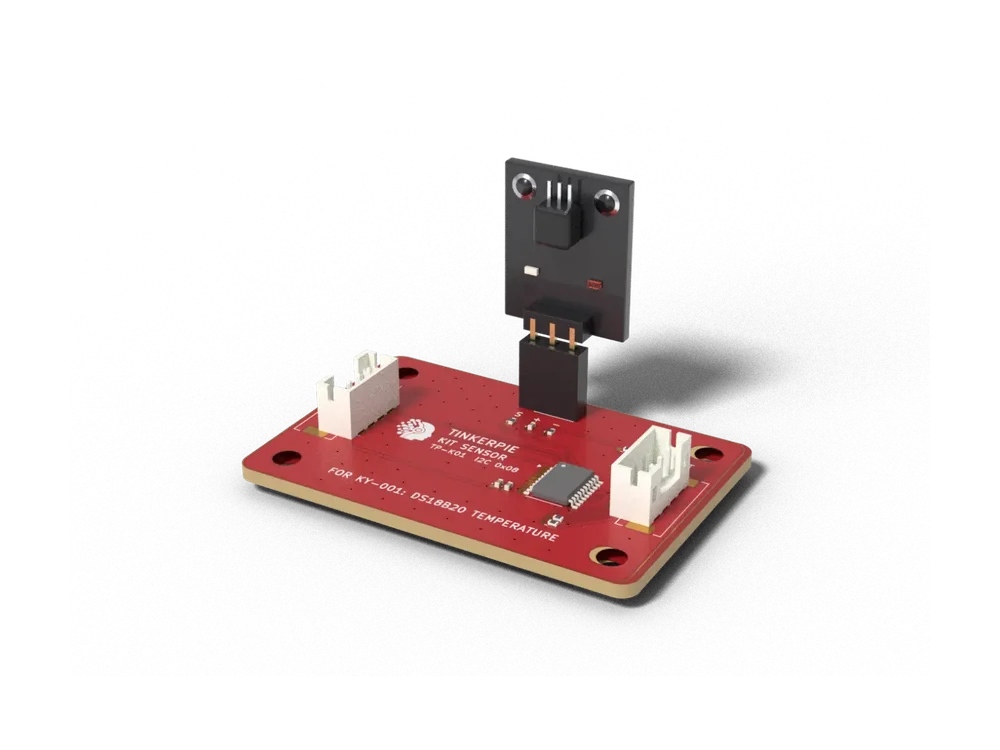 DS18B20 Temperature BrickTP-K01 · Environment · KY-001Waterproof-grade digital thermometer chip, read in C over I2C.₹299Pre-order
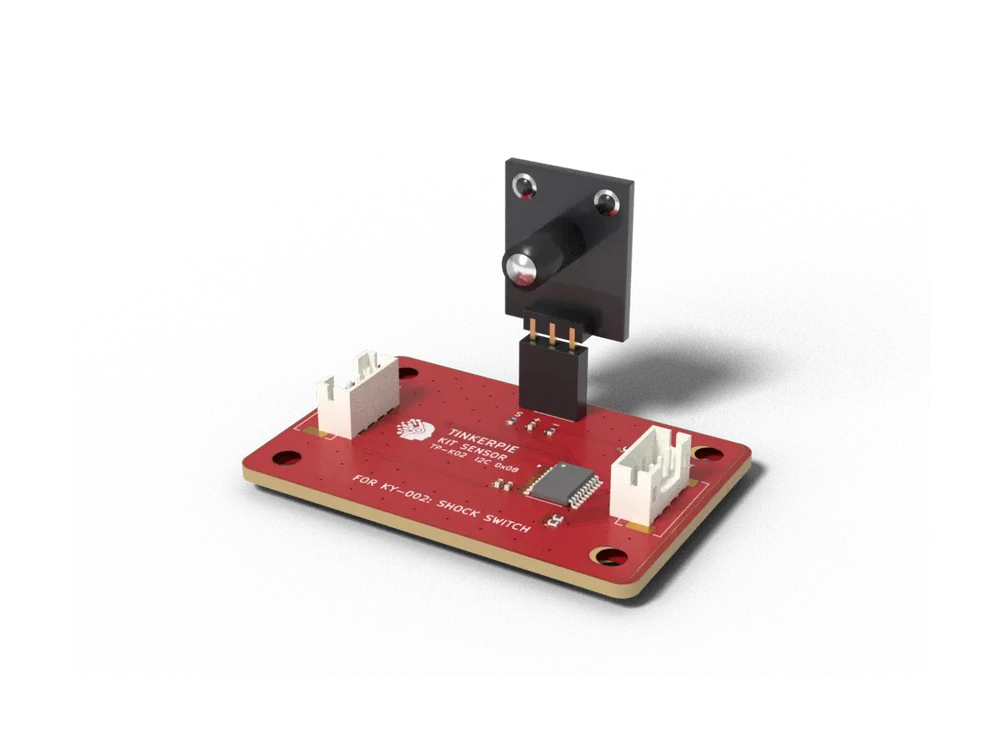 Shock Switch BrickTP-K02 · Motion · KY-002Detects knocks and vibration with a spring switch.₹299Pre-order
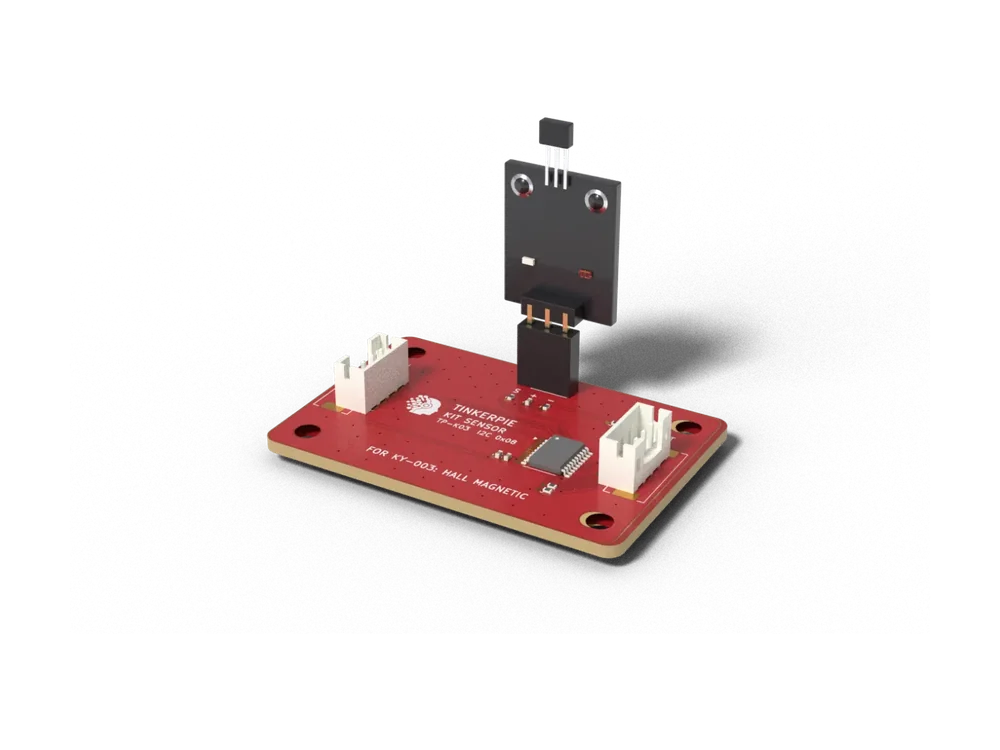 Hall Magnetic Sensor BrickTP-K03 · Magnetic · KY-003Senses a magnet near the A3144 hall switch.₹299Pre-order
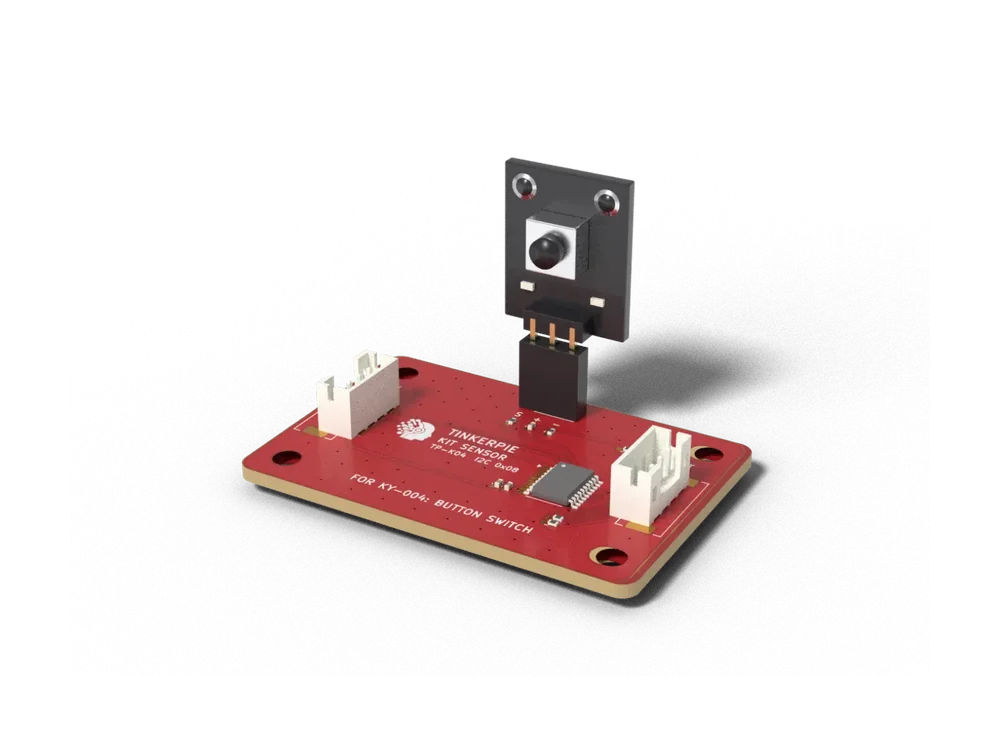 Button Switch BrickTP-K04 · Input · KY-004A tactile push button on the bus.₹299Pre-order